Draw Timings, Tiranga
How draw timings works for tiranga, UPI details, realistic timings and the pitfalls to avoid.
What is Draw Timings?
Draw timings on Tiranga refer to the fixed schedule at which each lottery or colour prediction game round closes, a result is generated, and winners are paid out. Every game mode on Tiranga runs on its own repeating cycle, once a draw opens, players place their bets before the countdown hits zero, the system then locks all entries and publishes the result instantly. Think of it like a train timetable: trains depart at fixed times regardless of how many passengers are on board, and Tiranga draws close at fixed seconds regardless of how many bets have been placed.
Tiranga currently runs four standard draw intervals across its game lobbies:
- 1 Minute Draw: a new round opens every 60 seconds, 24 hours a day. Up to 1,440 draws are available per day in this mode.
- 3 Minute Draw: rounds cycle every 3 minutes; popular for mid-pace play with roughly 480 draws per day.
- 5 Minute Draw: gives you more time to analyse before placing a bet, with 288 draws per day.
- 10 Minute Draw: the slowest cycle, 144 draws per day; suits players who prefer fewer, considered bets per session.
Results are never delayed or manually triggered, the Tiranga platform uses an automated random-number system that fires at the exact second each draw closes, so every outcome is independent and verifiable in the result history tab. This is fundamentally different from state-run lotteries such as Kerala Lottery or Nagaland State Lottery, where a physical draw happens once or twice a day and results are announced via television broadcast. On Tiranga, results are continuous, digital, and instantaneous.
How the Draw Cycle Works Technically
Each draw is assigned a unique Draw ID: a sequential number that increments with every round. For example, in a 1-minute game room you might see Draw ID 20260908001, 20260908002, and so on throughout the day. This ID is your reference for raising any dispute via customer support. The cycle runs as follows:
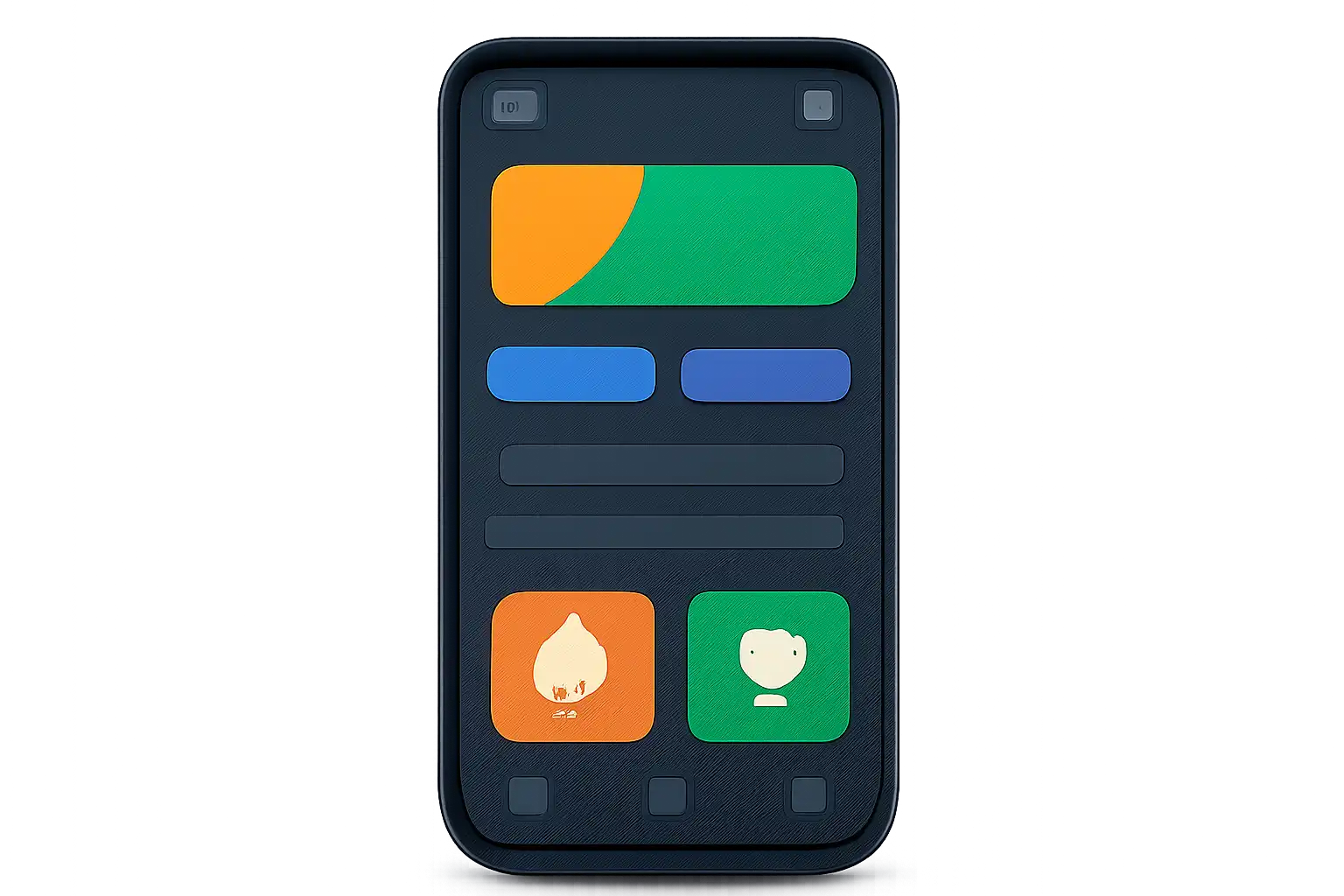
- Draw Opens: A new Draw ID is created and the countdown begins. The bet panel activates.
- Betting Window: Players have from the start of the countdown until 10 seconds remain to place entries.
- Lock Period (final 10 seconds): The bet panel is disabled. No new bets are accepted. This buffer prevents last-second manipulation and ensures server-side synchronisation completes cleanly.
- Result Generation: The algorithm fires at exactly zero and produces the winning colour or number.
- Payout: Winning amounts are calculated and credited to player wallets within 1 to 3 seconds of the result being published.
Understanding draw timings matters because it directly controls how fast your balance can grow or shrink. A 1-minute draw gives you up to 60 rounds per hour; a 10-minute draw gives you only 6. If you deposit ₹500 and bet ₹50 per round on a 1-minute draw, your entire deposit could cycle through in as few as 10 rounds, under 10 minutes of play. The same ₹500 spread across 10-minute draws would last at least 100 minutes of play time. Choosing the right interval for your budget and strategy is therefore the single most important decision every Tiranga player should make before entering a game room.
Draw Timings vs. Other Colour Prediction Platforms
Compared to other Indian colour prediction apps, Tiranga's four-interval structure offers more flexibility. Many competing platforms offer only a single fixed interval (commonly 3 minutes). Tiranga's 1-minute option appeals to high-frequency players who want rapid feedback, while the 10-minute option suits players who treat each draw like a considered decision rather than a reflex. The ability to switch intervals within the same game room, without logging out or changing your deposit, is a practical advantage that sets Tiranga apart in the Indian market.
Draw Timings on Mobile
The Tiranga app is designed as a mobile-first platform, and every draw-timing feature is optimised for Android screens. The APK is lightweight (under 30 MB), making it accessible on budget devices commonly used across India, including entry-level Redmi, Realme, and Samsung Galaxy A-series phones running Android 8.0 or above.
Live Countdown Timer
When you open any game room inside the Tiranga app, a large circular countdown timer sits at the top of the screen. The number displayed is the seconds remaining in the current draw. The colour of the timer ring changes as the draw progresses: green when more than 30 seconds remain (open for betting), yellow between 11 to 30 seconds (bet soon), and red during the final 10-second lock. When it reaches 10 seconds, the bet panel greys out and no new entries are accepted.
Push Notifications for Draw Results
Enable notifications in My Account → Settings → Notifications to receive a push alert the moment a draw you participated in produces a result. The alert shows your bet amount, the winning colour or number, and your net gain or loss, without needing to keep the app open. This is particularly useful on 10-minute draws: set your bet, lock your phone, and the result appears as a status bar notification. On Android, alerts are grouped under the Tiranga notification channel, which you can mute or prioritise independently of other apps via system settings.
Switching Draw Intervals on Mobile
- From the home lobby, tap the game you want to play (e.g., Win Go, K3, 5D).
- Look for the tab row directly below the game banner, it displays 1 Min | 3 Min | 5 Min | 10 Min.
- Tap the interval you prefer; the countdown and bet board reload instantly for that cycle.
- Confirm the Draw ID has updated, the new ID appearing in the top-left corner of the game panel confirms you are in the correct interval's draw queue.
Depositing Before a Draw Using PhonePe, GPay, or BHIM
If your wallet balance is low before a draw opens, you can top up in under 60 seconds using popular Indian UPI apps. Tap Wallet → Deposit, enter an amount (minimum ₹100), and select UPI. A QR code or UPI deep-link is generated, switch to PhonePe, Google Pay (GPay), or BHIM, scan or tap the link, confirm the amount, and authenticate with your UPI PIN.
Funds reflect in your Tiranga wallet within 30 to 90 seconds because UPI transfers settle via NPCI's IMPS infrastructure in near real-time. This is fast enough to top up during a 3-minute or 5-minute draw window, but avoid attempting it on a 1-minute draw where the confirmation step may outlast the round itself.
Network and Battery Tips for Faster Draws
On a 1-minute draw, a lagging connection can cause you to miss the entry window entirely. A stable 4G/5G connection (minimum 5 Mbps) or Wi-Fi is recommended for 1-minute and 3-minute draws. If you are in a low-signal zone, common in basement floors or rural areas still on 2G, switch to the 10-minute draw, which gives you a wider window to submit your bet even if the page takes a few seconds to load. Disable battery saver mode during active play, and on devices with less than 2 GB RAM, close background apps before entering a 1-minute room to keep the countdown animation smooth and synced.
Draw Timings for New Players
If you just created your Tiranga account, the draw timing system can feel overwhelming. Rounds close constantly, results flash past, and it is tempting to bet on every cycle just to stay engaged. This section explains what to focus on in your first sessions so that the schedule works in your favour rather than against you.
Start With the 5-Minute or 10-Minute Draw
New players often exhaust their deposit quickly by jumping straight into 1-minute rounds. At that speed, 30 rounds can pass in half an hour, and a ₹500 deposit betting ₹20 per round is gone in 25 bets, under 25 minutes. Start with the 5-minute or 10-minute draw until you are confident reading the result history board, understanding payout multipliers, and placing bets without fumbling the interface. Once you have completed at least 20 to 30 draws in the slower intervals without errors, you can consider faster cycles.
Use the First-Deposit Bonus Window Wisely
Tiranga typically offers a first-deposit bonus, for example, a 20% bonus on your first recharge of ₹500 or more, giving you ₹600 in total balance. This bonus is credited instantly to your wallet. Use it on slower draws first. If the bonus carries a wagering requirement (e.g., wager 3× the bonus amount before withdrawing), slower draws reduce the risk of losing both bonus and deposit before the requirement is met. Track your progress under My Account → Bonus → Wagering Progress before switching to higher-frequency intervals.
Understand Payout Multipliers Before Choosing a Draw Speed
Payout multipliers on Tiranga are fixed regardless of which draw interval you choose. A Green or Red bet typically pays 2× (you win approximately ₹38 on a ₹20 bet after the 5% platform fee). A Violet bet pays 4.5× due to lower hit probability. Number bets (0 to 9) pay 9×. These multipliers do not change between the 1-minute and 10-minute draws, the only difference is betting frequency per hour. A 1-minute draw does not offer better odds; it simply offers more rounds. For new players, higher multiplier bets (Violet, number picks) on slower draws are a lower-risk way to experience bigger payouts without burning through balance at speed.
Withdraw Your First Win Before Continuing
The first time you achieve a net profit in a session, even ₹50 above your starting balance, initiate a partial withdrawal to your bank account via IMPS or UPI (supported through PhonePe, GPay, or direct bank transfer). This confirms the withdrawal process works, familiarises you with the one-time KYC step (Aadhaar or PAN submission required), and creates a habit of booking real profit rather than reinvesting everything. Withdrawals on Tiranga typically process within 5 to 30 minutes for UPI and up to 24 hours for direct bank transfer.
Draw Timings Step by Step
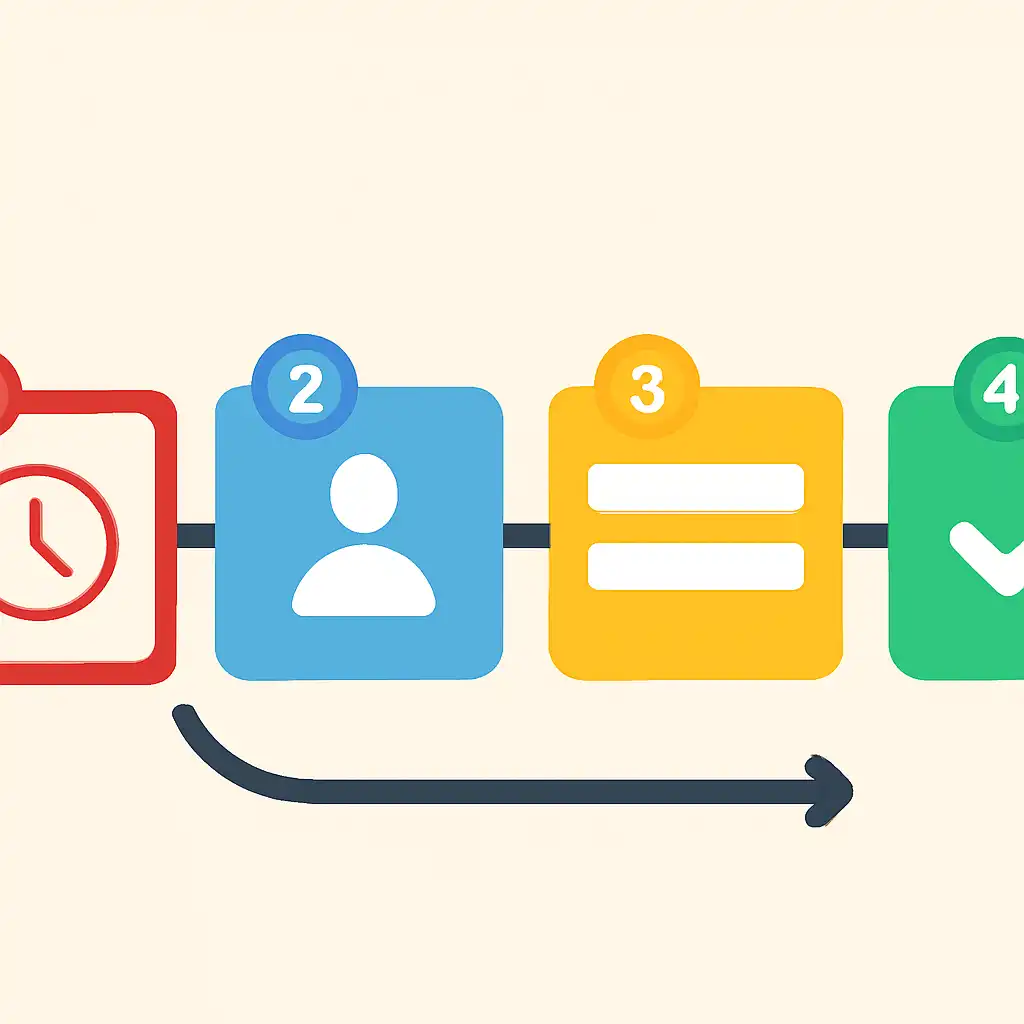
This walkthrough covers a complete draw cycle on Tiranga from account login to result collection, following the exact sequence a player experiences in real time. Use this as your reference checklist until the process becomes second nature.
Step 1, Log In and Check Wallet Balance
Open the Tiranga APK on your Android device and log in with your registered mobile number and OTP. Before entering any game room, tap the Wallet icon and confirm your available balance covers your intended bet. If it does not, recharge now via PhonePe, GPay, or BHIM UPI, depositing during a live draw wastes valuable betting time. A balance of at least 10× your planned single-draw stake is the recommended session minimum; for example, if you plan ₹30 bets, carry at least ₹300 into the session.
Step 2, Select the Game and Draw Interval
From the lobby, tap your preferred game, Win Go (colour prediction), K3 (dice sum), or 5D (multi-digit). Immediately below the game header you will see the interval selector: 1 Min | 3 Min | 5 Min | 10 Min. Choose your interval based on session length and budget. As a rule: a ₹200 session budget suits a 5-minute or 10-minute draw; a ₹1,000+ session budget can sustain a 3-minute draw without exhausting balance too fast. Confirm the active Draw ID displayed in the top-left panel updates to the correct cycle before placing any bet.

Step 3, Read the Result History and Note the Countdown
Before placing a bet, scroll through the last 10 to 20 results shown in the history panel below the bet board. Note the current countdown value on the timer ring. If you have fewer than 15 seconds remaining and you are not confident in your selection, skip that round and wait for the next draw to open, there is no penalty for sitting out a cycle, and rushing leads to tap errors on small mobile screens. The 3-minute and 5-minute intervals are specifically designed to give you enough reading time before committing.
Step 4, Place Your Bet Before the 10-Second Lock
Tap your chosen outcome, Green, Red, or Violet in Win Go; a number (0 to 9); or a combination bet if available. Enter your stake amount in the input field. Double-check the displayed payout (shown as ×2.0, ×4.5, or ×9.0) before tapping Confirm. The system will reject your entry if you tap Confirm after the countdown reaches 10 seconds, the panel locks at that point. Once confirmed, your bet appears in the My Orders tab with a Pending status and the current Draw ID attached to it.
Step 5, Wait for the Result and Collect Winnings
At zero, the winning result flashes on screen, colour and/or number. If your prediction matched, your wallet is credited automatically within 1 to 3 seconds; no manual claim is needed. Navigate to My Orders → Settled to see the exact payout credited against that Draw ID. If you did not win, your My Orders entry shows Failed with the losing amount deducted. Either way, the next draw opens immediately, the cycle repeats without any pause between rounds. For 1-minute draws, you have roughly 50 seconds of active betting time in the next round before the lock period begins again.
Step 6, Withdraw Profit at Session End
At the end of your session, navigate to Wallet → Withdraw. Enter the amount you wish to transfer, select UPI (PhonePe or GPay for fastest settlement) or bank transfer (IMPS/NEFT), and confirm with your withdrawal PIN. Tiranga processes UPI withdrawals typically within 5 to 30 minutes; bank transfers may take up to 24 hours depending on your bank's IMPS processing window. Always withdraw profits to a separate UPI-linked account rather than reinvesting the entire balance, this ensures you leave each session with a tangible result rather than cycling all gains back into subsequent draws.