Creating an Account, Tiranga
Clear answers on creating an account for tiranga, checked against the live platform and updated when it changes.
What is Creating an Account?
Creating an account on Tiranga means registering a personal profile on tirangagameapp.com.co that gives you full access to the platform's games, deposit options, withdrawal processing, and promotional offers. Without a registered account, you can browse the homepage but cannot place bets, claim bonuses, or receive winnings into a wallet. The registration barrier is intentional, it lets Tiranga maintain a wallet system, enforce fair-play rules, and attribute referral commissions correctly.
Your Tiranga account acts as your secure digital identity on the platform. It stores your personal details, rupee wallet balance, full transaction history, betting records, referral earnings, and active bonus status, all consolidated in one dashboard. Every player on Tiranga operates through exactly one account tied to a verified Indian mobile number. That number becomes your permanent username and the anchor for every security action you take, including OTP-based logins, withdrawal confirmations, and password resets.
Unlike fantasy sports platforms such as Dream11 or MPL, which require email confirmation, PAN card linkage, and sometimes a selfie upload before granting access, Tiranga keeps the registration barrier minimal. You provide a mobile number, set a password, and verify via a one-time SMS code. The result is a fully active account in under three minutes, without any document submission or approval queue. For Indian players used to the lengthy KYC process of formal financial platforms or the multi-step onboarding of Rummy Circle, Tiranga's registration feels notably fast.
What Your Account Contains
- Main wallet balance: Your deposited and winnings balance displayed in Indian Rupees (₹). Deposits via UPI apps like PhonePe, GPay, or BHIM reflect here within seconds of payment confirmation, so you can move from deposit to active play almost instantly.
- Bonus wallet: Promotional credits, welcome bonuses, referral rewards, and event bonuses, are held separately from your main balance. Games may draw from either wallet depending on the active offer's terms, and unused bonus credits typically expire within a defined window shown in the promotions section.
- Transaction ledger: Every deposit, withdrawal, bet placed, and bonus credited is logged with a timestamp and transaction reference number. This is useful for tracking your spending and verifying that payouts were processed correctly, especially when querying the Tiranga support team.
- Referral dashboard: Once registered, you receive your own unique referral code visible in your account settings. When you share it with friends who then register and make a qualifying deposit, a referral commission is credited to your wallet automatically, no manual claim required.
- Game history: Colour prediction rounds, lottery entries, and other game results are archived under your account so you can review past performance, verify disputed round outcomes, and monitor your betting patterns over time.
One Account, One Player
Tiranga enforces a strict one-account-per-player policy. Duplicate registrations using different mobile numbers on the same device are detected through device fingerprinting and IP-level analysis. Confirmed duplicate accounts may have their balances forfeited and access permanently revoked without prior warning. This policy protects the integrity of the referral system and ensures that welcome bonuses, designed for genuinely new players, are not claimed multiple times by the same individual. If you have previously registered and forgotten your credentials, use the Forgot Password flow rather than creating a new account.
How Creating an Account Works
The Tiranga registration process is designed to be completed in under three minutes on any device with a stable internet connection. There is no lengthy form, no email confirmation loop, and no document upload at the sign-up stage. The entire flow consists of four inputs, your mobile number, a chosen password, an optional referral code, and a 6-digit OTP, after which your account is live and your wallet is ready to receive a deposit. Here is exactly how it works, step by step.
- Visit the official site: Open tirangagameapp.com.co directly in your browser. Type the URL manually or use a saved bookmark. Do not register through third-party redirect links or unofficial mirror sites, phishing copies of gaming platforms are common, and they capture your credentials without creating a real account on the legitimate platform.
- Tap "Register": On the homepage, locate the Register button, displayed prominently in the top-right corner on desktop and as a full-width CTA banner on mobile. Tapping it opens the registration form immediately with no additional landing pages to navigate through.
- Enter your mobile number: Type your 10-digit Indian mobile number without the country code prefix, the form automatically prepends +91. This number becomes your permanent login credential and cannot be changed after registration. Use a SIM card you own and control long term, since all future logins, OTP verifications, and withdrawal confirmations are tied to it.
- Set a password: Create a password of at least 6 characters. Combine uppercase letters, lowercase letters, and numbers for stronger security, for example, Tiranga@2025 is structurally stronger than pass123. Avoid using your phone number, date of birth, or any sequence that appears in your name, as these are among the most commonly guessed credential patterns.
- Enter a referral code (optional but time-sensitive): If a current Tiranga player shared a referral code with you, enter it now. This typically unlocks a first-deposit bonus for you and a commission for the referrer. The referral field is only available at the point of registration, it cannot be added to your account retroactively after the form is submitted.
- Request and verify OTP: Tap Get OTP. A 6-digit one-time password is sent to your mobile number via SMS. Delivery is typically near-instant on Jio 4G, Airtel, and Vi networks; BSNL connections may see a 15 to 30 second delay. Enter the code in the verification field before the 60-second timer expires. If it expires, tap Resend OTP rather than attempting to submit with a stale code, the server rejects expired tokens immediately.
- Submit and access your dashboard: After entering the valid OTP, tap the final confirmation button. Tiranga verifies the code in under two seconds and redirects you to your account dashboard. Your wallet shows ₹0 and is immediately ready to receive a deposit through PhonePe, GPay, BHIM UPI, or any other supported payment method.
What Happens at the Backend
When you submit your registration, Tiranga's system runs several simultaneous checks: it confirms the mobile number is not already registered, validates the OTP against its generation timestamp, verifies that the referral code (if entered) is active and has not exceeded its usage cap, and flags the registration if it detects known VPN IP addresses or previously banned device signatures. This entire process completes in under five seconds. If any check fails, you receive a specific error message, for example, "This number is already registered" or "OTP has expired", rather than a generic failure, so you know exactly which input to correct without restarting the entire form.
Supported Browsers and Devices
Tiranga registration works on Chrome (version 90 and above), Firefox (version 88 and above), Safari on iOS 14 and above, and Microsoft Edge on both desktop and mobile. Internet Explorer is not supported and will display a broken layout. For the smoothest registration experience, use Chrome on Android or Safari on iPhone, both handle OTP autofill natively, meaning the SMS verification code is automatically detected and filled into the input field without you manually switching between your SMS inbox and the browser.
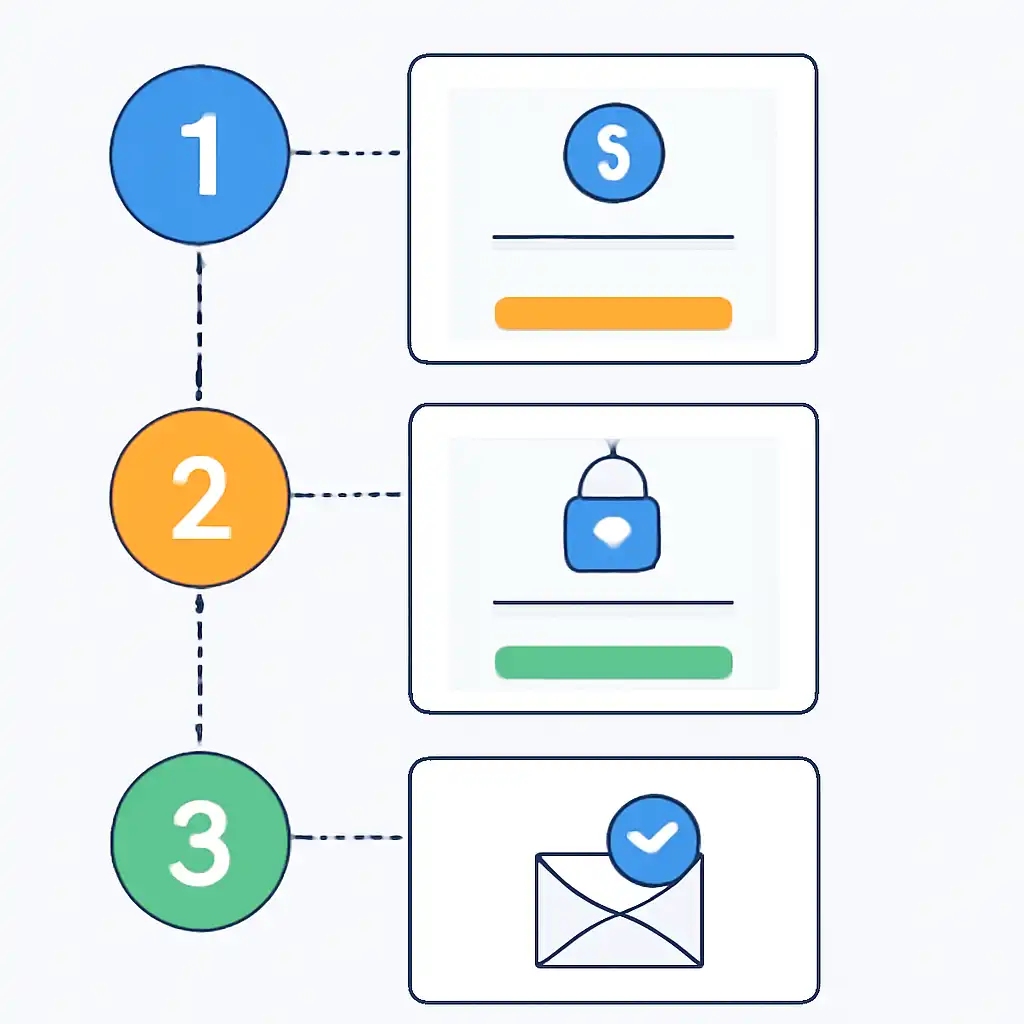
This autofill behaviour is particularly reliable on Android 12 and above with Chrome, where a one-tap prompt appears at the bottom of the screen the moment the OTP SMS arrives.
Creating an Account on Mobile
Over 85% of Tiranga players register and play entirely on mobile, which mirrors the broader pattern of internet usage across India where smartphones, not desktops or laptops, are the primary connected device. Budget Android handsets from brands like Redmi, Realme, and Infinix with as little as 2 GB RAM and a 4G SIM handle the full Tiranga registration and gameplay experience without issue. The platform offers two parallel paths for mobile access: a fully responsive browser-based version that requires no download, and a dedicated Tiranga APK for Android that installs natively on your device.
Both paths produce an identical account with the same wallet, game access, and withdrawal functionality.
Option 1: Browser Registration (No Download Required)
This is the fastest route and works on any smartphone, Redmi, Realme, Samsung Galaxy, Vivo, Oppo, OnePlus, or iPhone, without installing any file. Avoid using in-app browsers inside WhatsApp or Instagram, as these embedded browsers sometimes block OTP autofill and can trigger redirect errors that interrupt the registration flow mid-way.
- Open Chrome (Android) or Safari (iPhone) and navigate to tirangagameapp.com.co by typing the URL directly into the address bar.
- The site renders in a mobile-responsive layout optimised for screens from 5 inches upward. Tap Register from the navigation or the homepage banner.
- The registration form occupies a single scrollable screen. Enter your 10-digit mobile number, set a password, and add a referral code if you have one.
- Tap Get OTP. On Android with Chrome, the browser may display a bottom-sheet prompt to autofill the SMS code, tap Autofill to enter it without switching apps.
- Tap Verify. Your account is created and you land on the Tiranga game dashboard.
- Add to home screen for app-like access: In Chrome, tap the three-dot menu → Add to Home Screen. In Safari, tap the Share icon → Add to Home Screen. This creates a shortcut icon that opens the site in full-screen mode, it behaves like an installed app without consuming APK storage space.
Option 2: Register via the Tiranga APK (Android Only)
The Tiranga APK delivers a native app experience with faster load times, smoother game animations, and push notifications for promotions and live game results. iOS users cannot install APKs and must use the browser method described above, there is no Tiranga app available on the Apple App Store.
- Visit tirangagameapp.com.co on your Android phone and locate the Download App or Get APK button on the homepage or site footer.
- Tap the link. Your browser will display a standard Android warning that APK files from outside the Play Store could be harmful, this warning appears for all sideloaded APKs regardless of source. Tap Download anyway only if you are certain you are on the official Tiranga domain.
- Once downloaded, open the notification shade or your Files app and tap the APK file to begin installation.
- If prompted about unknown sources, go to Settings → Apps → Special App Access → Install Unknown Apps, select Chrome (or whichever browser you used), and toggle Allow from this source. Return and tap the APK again.
- Installation completes in under 15 seconds on most modern Android devices. Tap Open, then tap Register inside the app and complete the same OTP-based flow described above.
Browser vs. APK: Side-by-Side Comparison
| Feature | Mobile Browser | Tiranga APK |
|---|---|---|
| Setup time | Instant, no download | 2 to 3 minutes including APK install |
| iOS support | Yes (Safari) | No |
| Push notifications | Limited (browser permissions only) | Yes, game results and promotions |
| Load speed | Dependent on browser cache | Faster, assets stored locally |
| Storage required | None | Approximately 35 to 55 MB |
Mobile-Specific Tips for Indian Players
- Jio users: OTP delivery on Jio 4G is typically under 5 seconds. If your signal drops to 3G or H+, switch to Wi-Fi before tapping Get OTP to ensure the SMS arrives before the countdown timer expires.
- Airtel and Vi users: Both networks deliver OTPs reliably. If you use Airtel's spam-filter or Vi's call and SMS guard feature, confirm that messages from numeric shortcodes are not being silently blocked, Tiranga OTPs arrive from a shortcode, not a named sender ID.
- Low-storage devices: If your phone has under 1 GB of free internal storage, use the browser version. APK installation on critically low-storage devices may fail or cause the OS to kill background processes during gameplay.
- OTP autofill on Android 12+: Chrome on Android 12 and newer detects incoming OTP SMS messages and offers a one-tap autofill suggestion, no need to memorise or manually type the 6-digit code. This feature alone saves 15 to 20 seconds per login.